How Online Voting Works
Simple, secure, and easy to manage. Get your election up and running in minutes.
Setting up and running an online election has never been easier. Whether you're a volunteer, board member, or administrator, our platform walks you through each step, from setup to final results. All without the need for technical expertise.
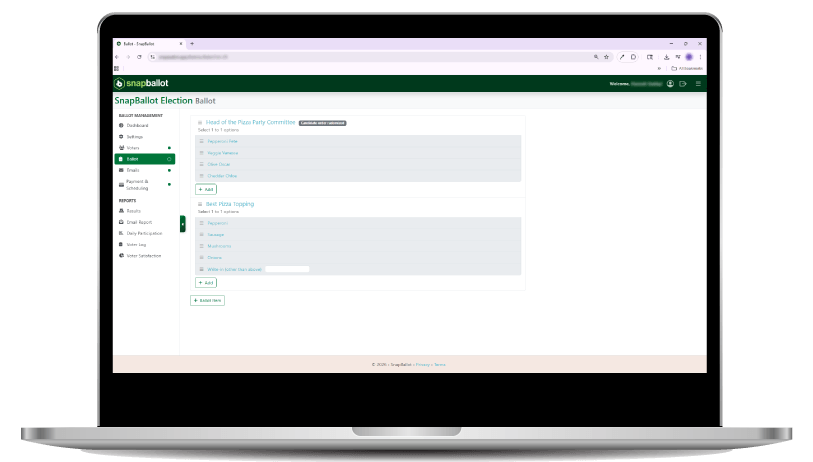
Step 1: Create Your Ballot
- Set the dates, give your election a title and add your logo
- Add candidates, questions, or amendments
- Include bios, photos, links and supporting information
- Enable features like weighted votes, write-ins, and rotating ballot choices
- Preview and test the ballot before it opens.

No tech wizardry required. Just click and go.
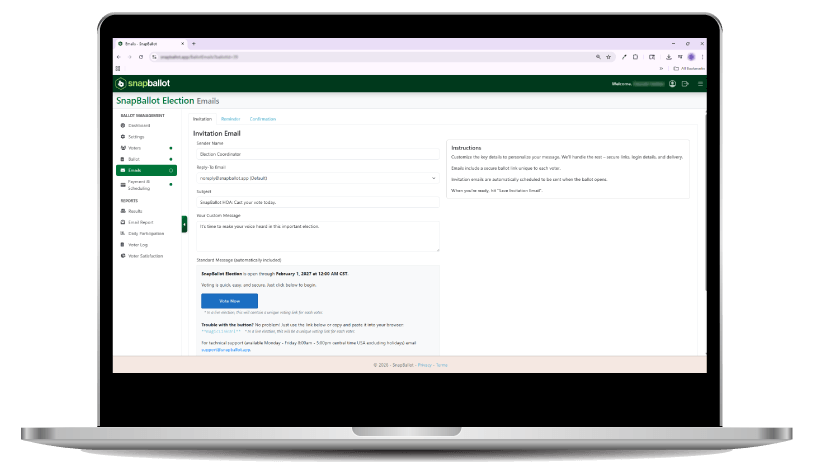
Step 2: Invite Voters
- Upload your voter list, apply filters or weighted votes if needed
- Send personalized emails with secure voting links
- Schedule automatic reminders to boost participation

Reach voters where they are with no extra work.
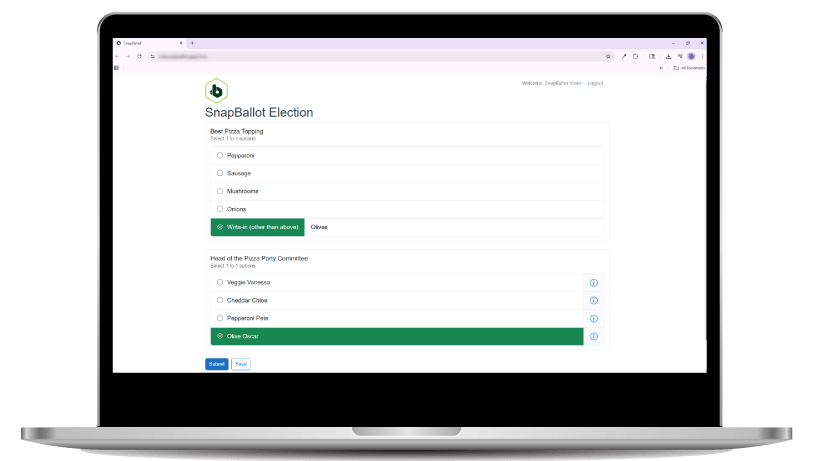
Step 3: Vote from Any Device
- Anonymous voting
- Mobile-friendly experience
- Real-time vote tracking
- Ballots tailored by voter eligibility

It’s as easy as sending a text or opening an email.
Step 4: Track Progress & Get Results
- View detailed results instantly
- Download reports (including audit logs, voter history, and charts)
- Share official results with your team or membership
Say goodbye to spreadsheets and manual counts.
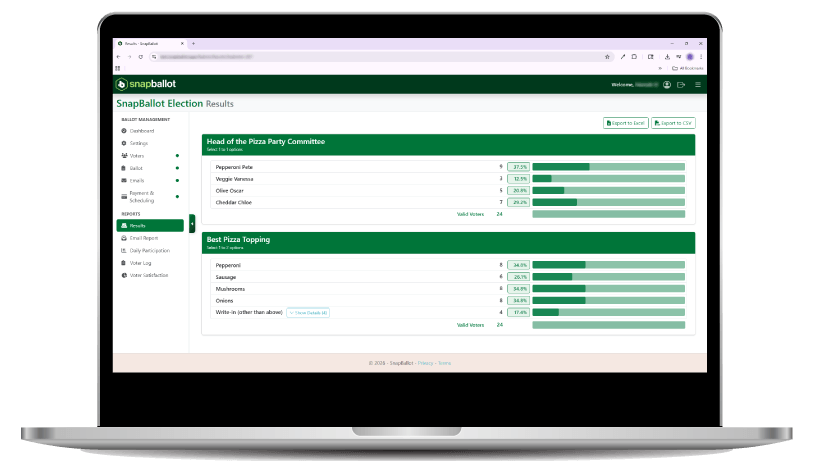
DIY Online Elections
Run your election from start to finish, on your own terms. SnapBallot is a fully self-service online voting platform that lets you create, launch, and manage secure elections from one streamlined system.
Online Voting Built for the Decisions That Matter Most
From board elections to budget approvals and bylaw votes, our platform simplifies your most important organizational votes no matter your size or structure.

Homeowners Associations
Elect Your Board Without Stress
Residents securely vote for board members, approve annual budgets, and pass amendments from any device.

Clubs & Sports Organizations
Run Accessible Member Elections
Run board elections, officer votes, or bylaw approvals with secure, mobile‑friendly ballots designed for busy, parents and members. No printed ballots, no manual counting, and clear results your organization can trust.

Churches
Approve Your Ministry Budget with Confidence
Collect fair and transparent votes on budgets, leadership changes, or ministry initiatives. Great for hybrid congregations and annual meetings.
Associations
Pass Bylaws and Elect Leaders Seamlessly
Enable annual board elections, policy referendums, or dues changes with transparent reporting and audit-ready logs.

Food Co-ops
Let Members Shape Your Mission
Conduct democratic votes on board positions, bylaw amendments, and budgeting priorities with full transparency and participation.
Unions
Ratify Contracts and Elect Officers Fairly
Support secret ballot voting for contract ratifications, delegate elections, and leadership votes.
Why It Works
Secure: Bank-level encryption and SOC 2–compliant infrastructure
No IT Headaches: 100% cloud-based and easy to manage
Flexible: Customize ballots, voter groups, and access rules
Fast: Average setup takes just minutes
Ready to See It in Action?
Just simple, secure voting in minutes.