
How to View & Export Final Election Results
Last updated August 25, 2026
After an election closes, you can view the final results and export them for your records. This article covers where to find your results, the types of reports available, and how to export the data.
View Transcript
[0:00]: Welcome to Ballot Bites. Today's topic is final results and exporting. There are two ways to view your results. First, after your election has closed, you can see Results right on your dashboard under Summary & Reports.
[0:14]: And second, from the Reports section in the left navigation menu, you'll see five types of reports here: Results, Email Report, Daily Participation, Voter Log, and Voter Satisfaction. To see your election results, click Results.
[0:38]: Each office on the ballot is organized into its own tab for easy review. Results update in real time during the voting period, so you can check progress any time after your election opens. If your ballot allows write-in nominations, those entries appear in the write-in field, listed in the order in which they were received.
[1:03]: Whenever you need a snapshot of your data, you can export the results to Excel or CSV. The downloaded report breaks offices into separate tabs for easy review. That's it. Your results in a snap. Thanks for watching. Grab another bite in our series of quick tips at any time.
Accessing Election Results
- Navigate to your dashboard after the election has closed.
- Find results under the Summary and Reports section.
Viewing Reports
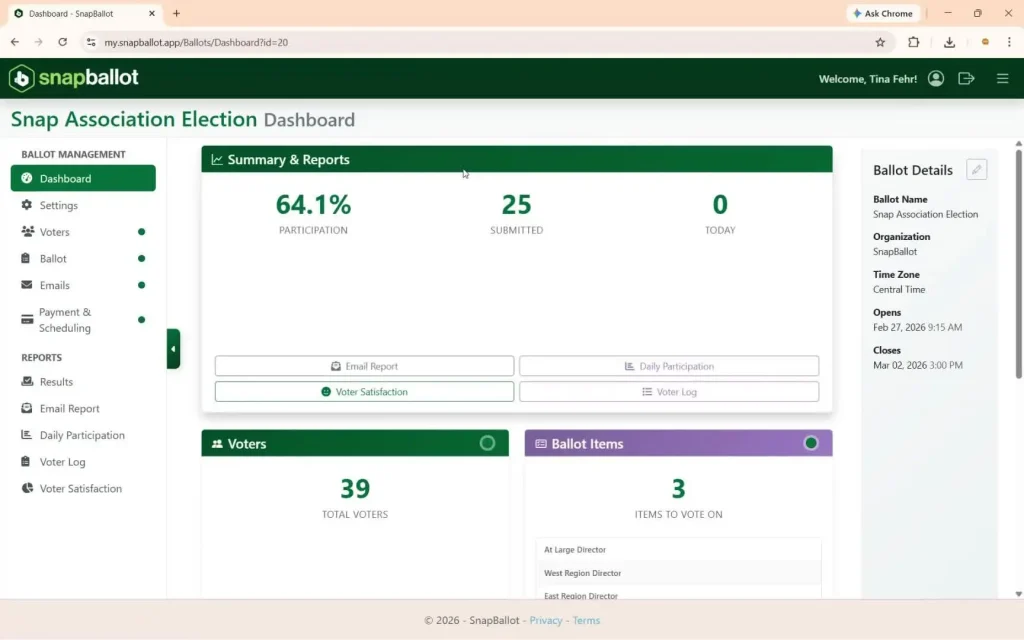
- Go to the Reports section in the left navigation menu.
- There are five types of reports available:
- Results
- Email Report
- Daily Participation
- Voter Log
- Voter Satisfaction
Checking Results
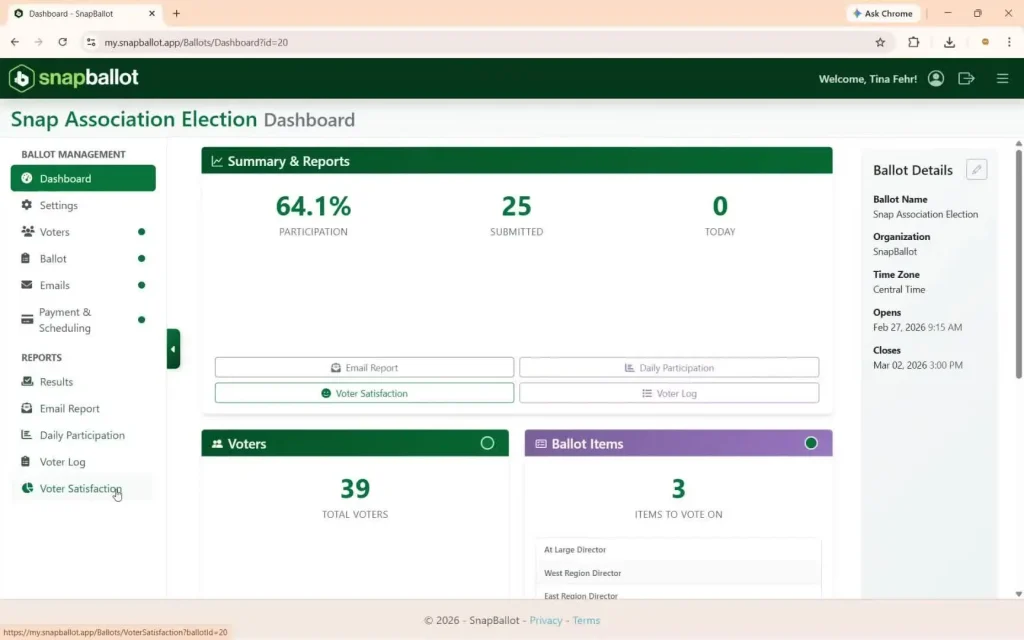
- Click Results to view detailed election outcomes.
- Each office on the ballot is organized into its own tab for easier navigation.
Real-Time Updates
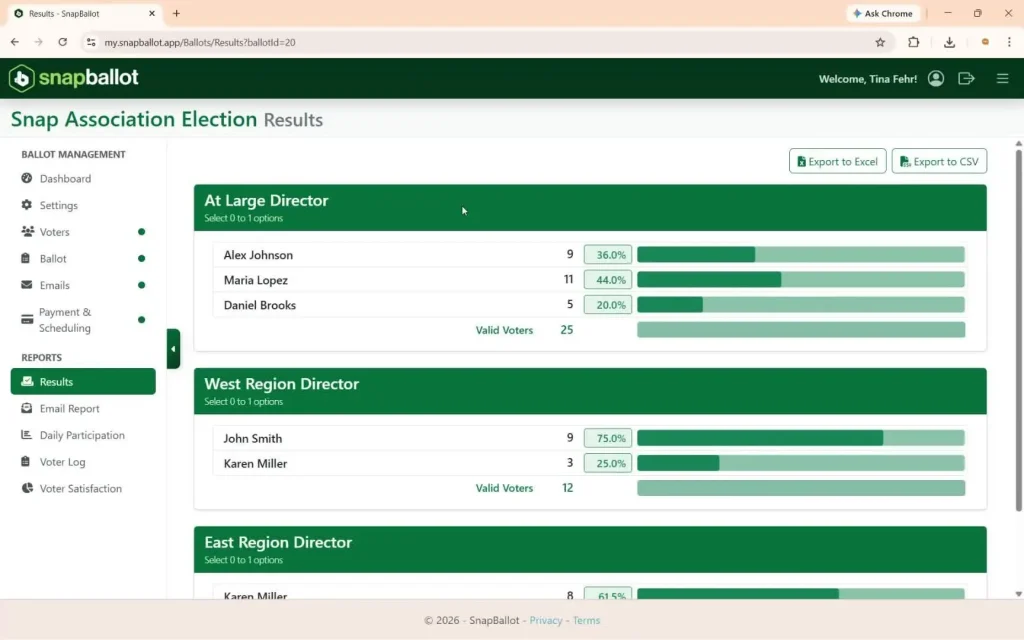
- Results update in real time during the voting period.
- Check progress anytime after the election opens.
- If applicable, write-in nominations will appear in the designated field, listed by the order received.
Exporting Results
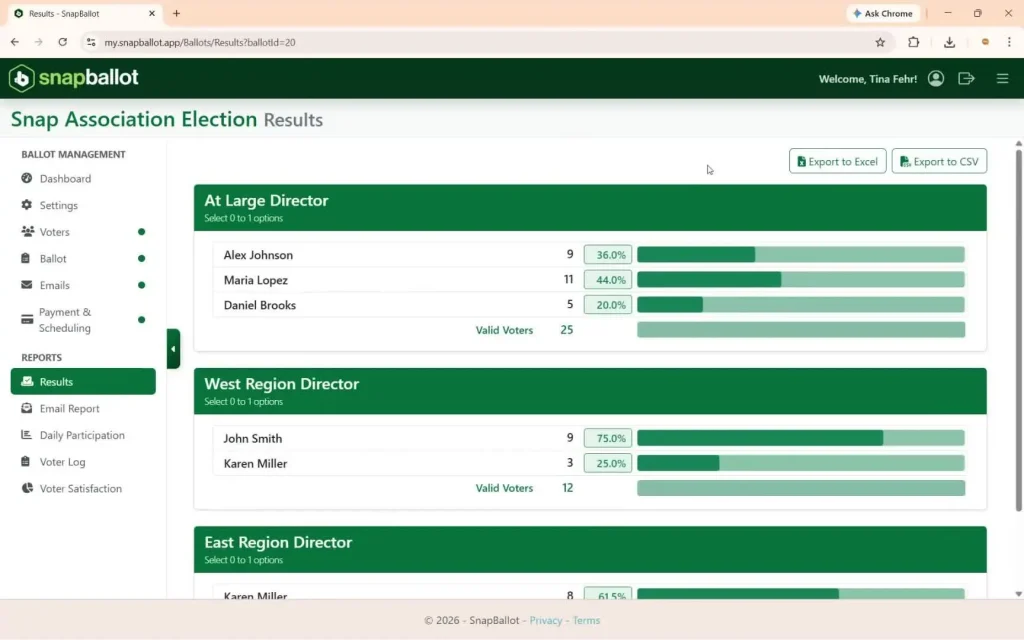
- For a snapshot of your data, export results to Excel or CSV format.
- The downloaded report will separate offices into different tabs for easy review.
Related articles
Email Set Up & The Email Report
Learn how to set up election emails in SnapBallot, including invitations, confirmations, reminders, and how to review email delivery reports.

Track Voting Participation in Real Time
See how many members have voted while your election is open. The Daily Participation report updates in real time so…
From The Blog

How To Run a Secure Online Vote Without IT Support
No IT? No problem. Follow these steps to plan a secure online vote without any technical experience.

HOA Election Systems: 8 Features That Save Money & Improve Elections
Discover 8 essential features of HOA election systems that save money, improve participation, and make elections more secure and efficient.
Common Questions About Electronic Voting Systems for HOAs
Get answers to the most common questions about HOA electronic voting systems, including legality, security, compliance, accessibility, and homeowner adoption.