Payment & Scheduling in SnapBallot
Learn how to select a SnapBallot service plan, complete payment, manage additional reminder emails, and confirm your election schedule before your ballot is ready to launch.
Updated September 2, 2026
Set up a new election end to end — voters, ballot items, and emails.
Learn how to select a SnapBallot service plan, complete payment, manage additional reminder emails, and confirm your election schedule before your ballot is ready to launch.
Updated September 2, 2026

Learn how to create and run a free SnapBallot test election, from setting up your account and ballot to inviting voters, sending emails, casting votes, and reviewing results.
Updated September 1, 2026
Learn how to set up election emails in SnapBallot, including invitations, confirmations, reminders, and how to review email delivery reports.
Updated September 29, 2026
Most elections can be set up in a short amount of time once your voter list and ballot details are ready. The platform is designed to guide admins through ballot creation, voter uploads, and email scheduling step by step.
Yes. Organizations can run multiple elections (separate fees apply) simultaneously or back‑to‑back, each with its own ballot, voter list, schedule, and reporting.
SnapBallot supports anonymous voting for board elections, bylaw amendments, contract ratifications, and other election types where voter privacy is essential.
SnapBallot is designed for online voting, so voters who need a paper ballot or don't have an email address should be left off the voter list you upload to SnapBallot. Manage those paper ballots separately, then combine the paper ballot results with your SnapBallot totals when calculating the final election results. If you need a third party to print, mail, receive, and tabulate paper ballots, Survey & Ballot Systems can help.
Preliminary results allow election administrators to view live results as votes are submitted, before the election has closed.
When Preliminary Results are enabled, the Voter Log and voter statuses are hidden until the election closes to protect voter integrity.
The Preliminary Results setting cannot be changed once voting begins, whether it was initially enabled or disabled. Be sure to select your preferred setting before opening the election.
SnapBallot can supplement or replace in‑person or paper voting for organizations looking to increase accessibility, streamline administration, and reduce manual processing while still maintaining structured voting rules and reporting. Always confirm online voting is allowed in your bylaws before running an online only election.
There is no limit to the number of admins you can have in SnapBallot. Learn about the roles and details of Election and Organization admins in our FAQs.
Most organizations keep their election open for 15–21 days, though the appropriate voting period may vary based on your organization's bylaws or governing documents.
To view live results while your election is open, the Preliminary Results feature must be enabled. On the Settings page, select the Preliminary Results checkbox under Election Transparency.

No, a member ID is not required in your voter database. If your organization does not use member IDs or another unique identifier, you can upload your voter list without one. If member IDs are available, you may include them in the voter file and map them during the upload process.
Yes, but only before voting has opened. If a ballot has been created but voting has not yet started, administrators can permanently delete the ballot, any candidates (voting options), supporting information, voters, and emails from the Ballot Settings page.
No. Once an election has opened and voting has begun, the election open and close dates cannot be changed. Please review your election schedule carefully before launching your election.
Yes. You can add multiple people to your account to help run your SnapBallot Elections. A Ballot/Election Admin from the Ballot setting page. Ballot admins can see all areas within SnapBallot of the election they are assigned to. You can also add an Organization Admin from the Organizations page located in the right corner of the page. Organization Admins can create new elections and see all elections within your SnapBallot account.

Improve HOA voter participation with better ballot design. Discover 5 ways to create customized, accessible ballots that make voting easier…

Learn how to plan and run a transparent food co-op board election in 8 steps to boost participation, stay compliant,…
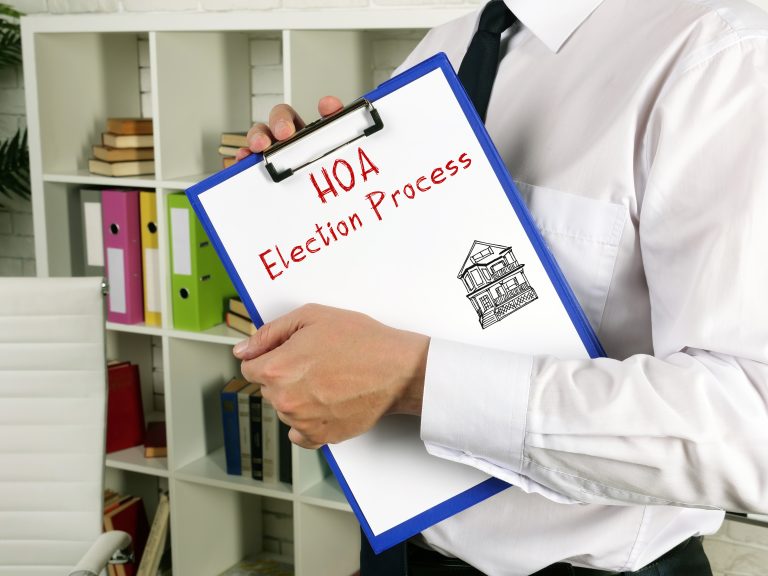
Planning will help you run a successful, problem-free HOA election. Follow this checklist to confidently plan every stage of the…