Email Set Up & The Email Report
Learn how to set up election emails in SnapBallot, including invitations, confirmations, reminders, and how to review email delivery reports.
Updated September 29, 2026

Upload, edit, filter, and manage your voter list and eligibility.
Learn how to set up election emails in SnapBallot, including invitations, confirmations, reminders, and how to review email delivery reports.
Updated September 29, 2026
Learn how to upload your voter list in SnapBallot, map voter data, set filters, review upload, and manage voter information for your election.
Updated August 25, 2026
Learn how to use multiple filters in SnapBallot to target voters by region, state, chapter, member type, and more using AND and OR filtering so the right members receive each…
Updated August 25, 2026

Support voters with confidence — resolve common issues, check status and resend voting links, update emails, send a safe-sender notice, and communicate clearly.
Updated August 25, 2026
SnapBallot is designed for online voting, so voters who need a paper ballot or don't have an email address should be left off the voter list you upload to SnapBallot. Manage those paper ballots separately, then combine the paper ballot results with your SnapBallot totals when calculating the final election results. If you need a third party to print, mail, receive, and tabulate paper ballots, Survey & Ballot Systems can help.
It depends on whether the voter has already submitted their ballot.
If the voter has not yet voted: You can update their Region from the Voters page and send them a new invitation. When they access their ballot, they will see the offices and candidates associated with that Region.
If the voter has already submitted their ballot: You can still update their Region on the Voters page, but the voter will not be able to submit another ballot or update their previous vote.
Tip: To help avoid this situation, review voter records and Region assignments before launching your election.
Yes. SnapBallot supports weighted voting, allowing votes to be counted based on shares, allocation, or other weighting rules defined by your organization. Weights are applied during voting using your voter data provided.
No, a member ID is not required in your voter database. If your organization does not use member IDs or another unique identifier, you can upload your voter list without one. If member IDs are available, you may include them in the voter file and map them during the upload process.
Yes, the other category can be used for more than one filed or column in your voter database.

Improve HOA voter participation with better ballot design. Discover 5 ways to create customized, accessible ballots that make voting easier…

Learn how to plan and run a transparent food co-op board election in 8 steps to boost participation, stay compliant,…
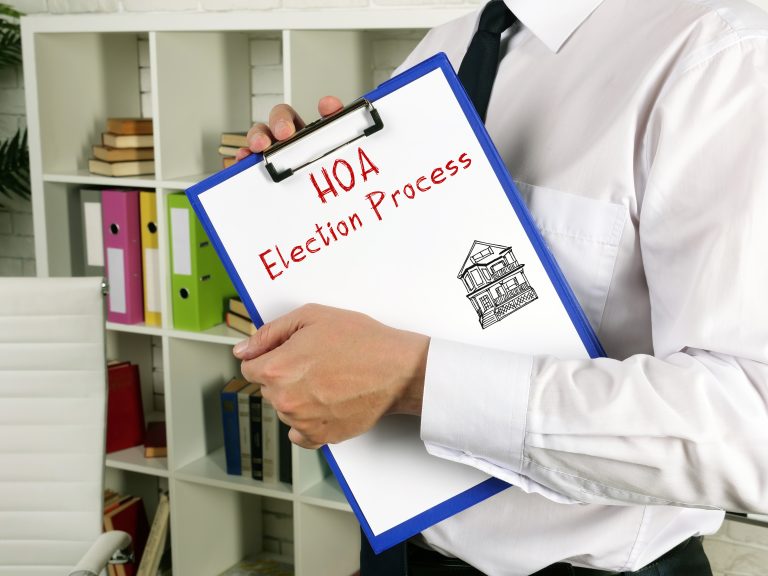
Planning will help you run a successful, problem-free HOA election. Follow this checklist to confidently plan every stage of the…