
Voter Support
Support voters with confidence — resolve common issues, check status and resend voting links, update emails, send a safe-sender notice, and communicate clearly.
Updated August 25, 2026
Build your ballot and configure voting rules, weights, and options.
Support voters with confidence — resolve common issues, check status and resend voting links, update emails, send a safe-sender notice, and communicate clearly.
Updated August 25, 2026
SnapBallot supports anonymous voting for board elections, bylaw amendments, contract ratifications, and other election types where voter privacy is essential.
Yes. SnapBallot ensures that voter selections remain private. Admins can see who voted, but never what they voted for.
Absolutely. SnapBallot uses encrypted vote storage and secure access protocols to protect voter privacy.
Online voting can offer security advantages over traditional paper ballots. Paper ballots may be lost, damaged, miscounted, or delayed, while secure online voting platforms can provide safeguards such as voter authentication, encryption, audit trails, and automated vote counting to help reduce human error and protect voter privacy. Ultimately, election security depends on the safeguards, processes, and technology used to administer the election.
It depends on whether the voter has already submitted their ballot.
If the voter has not yet voted: You can update their Region from the Voters page and send them a new invitation. When they access their ballot, they will see the offices and candidates associated with that Region.
If the voter has already submitted their ballot: You can still update their Region on the Voters page, but the voter will not be able to submit another ballot or update their previous vote.
Tip: To help avoid this situation, review voter records and Region assignments before launching your election.
Yes. SnapBallot is a mobile-friendly anonymous voting app that works on phones, tablets, and desktops.
Yes. SnapBallot supports weighted voting, allowing votes to be counted based on shares, allocation, or other weighting rules defined by your organization. Weights are applied during voting using your voter data provided.
Yes, you can set the min and max voting requirements per office/voting item. While you are building the ballot, SnapBallot will display a warning if you do not have enough candidates to meet the minimum vote setting.
Yes, but only before voting has opened. If a ballot has been created but voting has not yet started, administrators can permanently delete the ballot, any candidates (voting options), supporting information, voters, and emails from the Ballot Settings page.
No. Once an election has opened and voting has begun, the election open and close dates cannot be changed. Please review your election schedule carefully before launching your election.
While individual choices remain private, SnapBallot provides results and turnout data to ensure election integrity.
No. Admins can only view participation data (who voted), not individual choices.
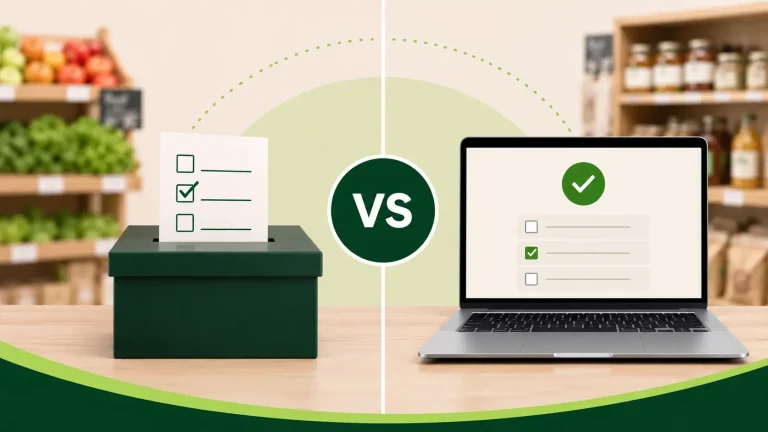
Food co-op elections: Compare paper ballots and online voting to improve turnout, accessibility, and efficiency.

Discover 8 essential features of HOA election systems that save money, improve participation, and make elections more secure and efficient.
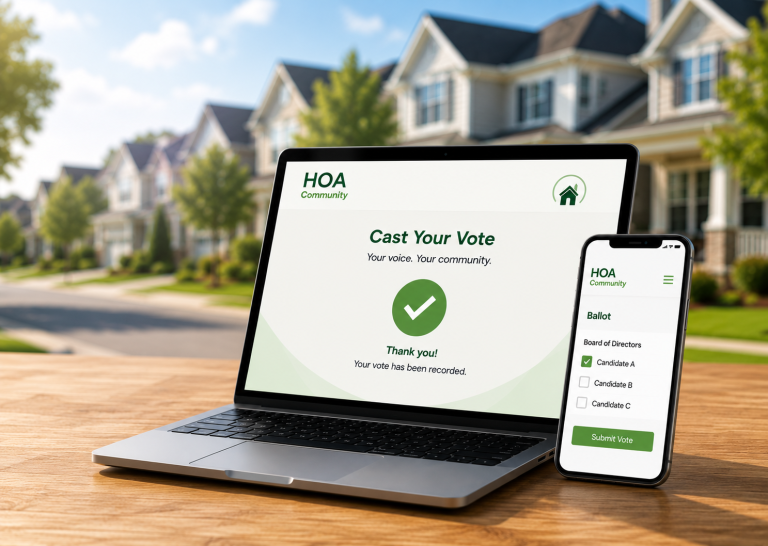
Get answers to the most common questions about HOA electronic voting systems, including legality, security, compliance, accessibility, and homeowner adoption.